A voice typing extension for ChromeOS. Tap Search+A, start talking — on-device AI adds punctuation, fixes homophones, and drops clean text at your cursor. Fully offline. Not a single byte leaves your machine.
On the fence? See how it compares to built-in dictation and cloud services →
A three-layer text pipeline processes every sentence you speak: punctuation, phrasing, homophone correction — done.
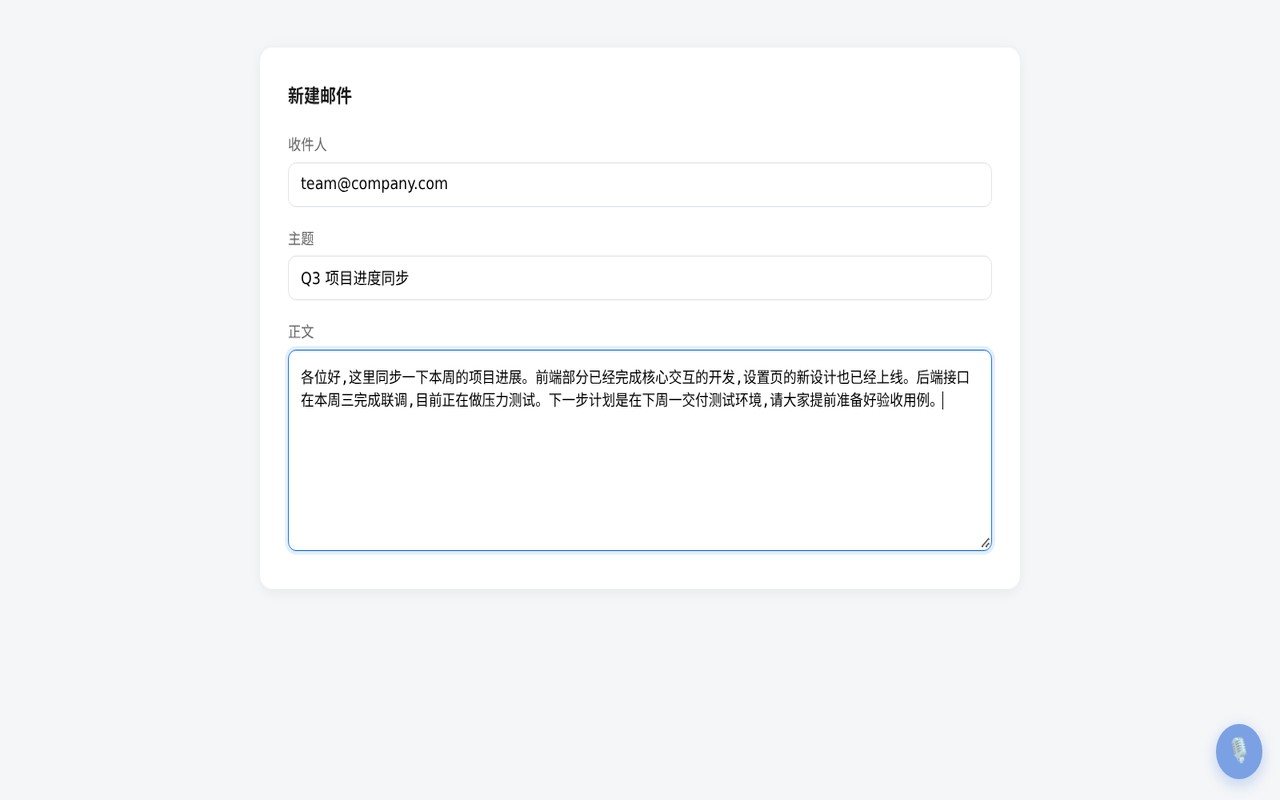
Tap Search+A to start; pause for ~1.5 seconds and the text lands at your cursor. Works with input, textarea, and rich editors — Google Docs included.
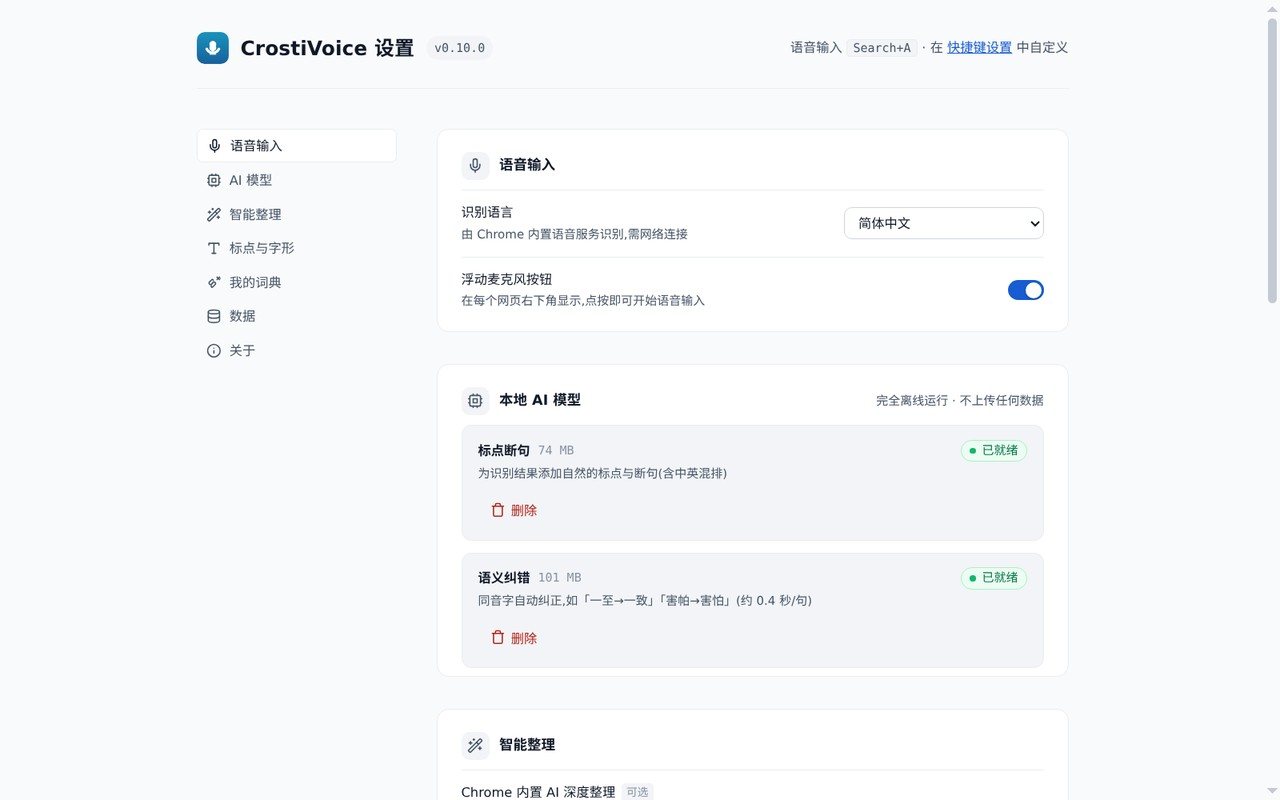
A built-in CT-Transformer model (74MB, optional download) decides punctuation from meaning, not pause guessing. Millisecond inference, works with the network off.
Chinese speech recognition produces sound-alike errors ("yīzhì" → one meaning or another). A macbert4csc model (101MB) fixes them from context, ~0.4s per sentence, fully offline.
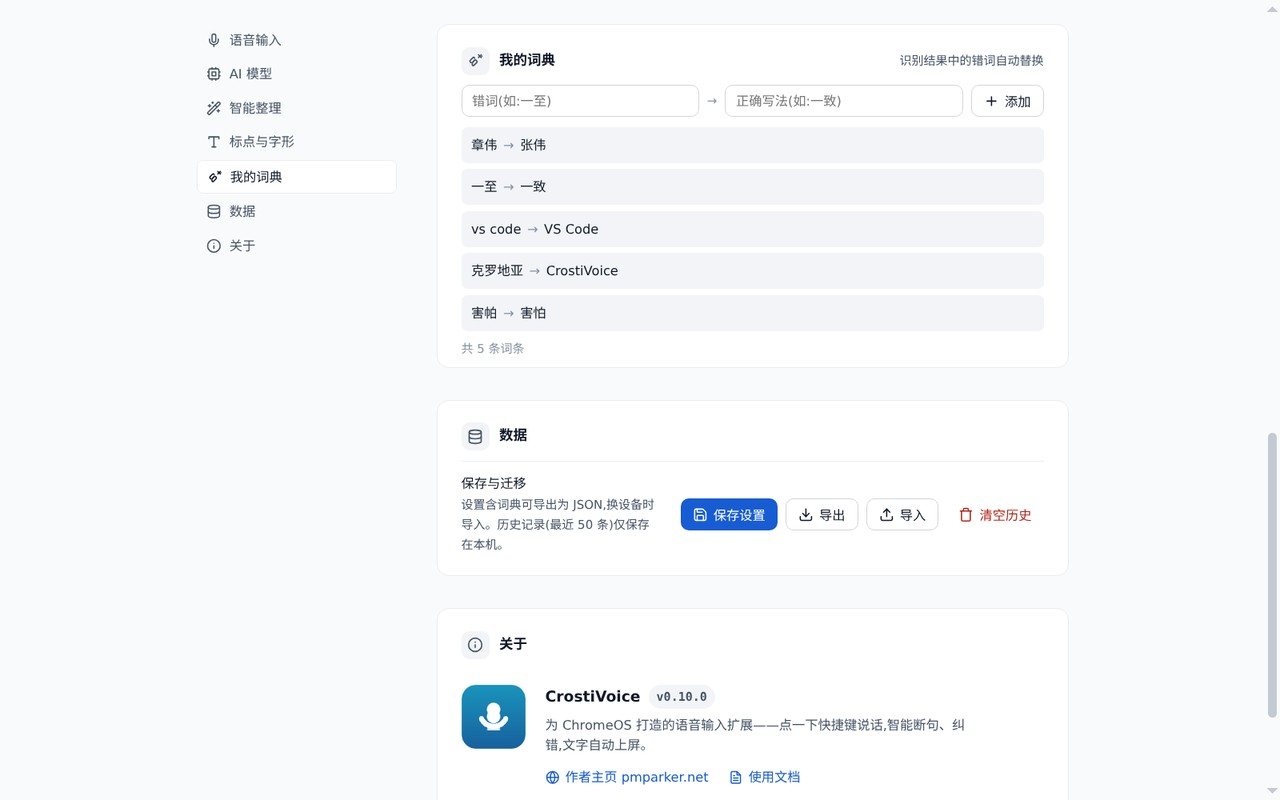
Names, project codenames, jargon: one "wrong → right" rule fixes the term everywhere. Import and export as JSON — your lexicon travels with you.
Simplified and Traditional Chinese, English, Japanese, Korean. Auto-spacing between CJK and Latin, sentence-case capitalization. Say "comma" or "new line" — you get the character.
Works with zero downloads: a built-in rule engine handles phrasing and spoken punctuation. Every layer degrades gracefully — your typing never breaks.
Stacked from cheapest to most capable; if a layer is unavailable, the next one takes over — input never stops.
Always on. Conjunction splitting, particle-aware phrasing, spoken punctuation, CJK/Latin spacing.
Optional download. Neural punctuation + homophone correction, offline inference, milliseconds per sentence.
Opt-in. Deep cleanup of spoken filler, requires Gemini Nano (Chromebook Plus).
Recognition runs on Chrome's built-in speech service. The extension never touches raw audio and has no servers of its own.
Both on-device models run fully offline after a one-time download. Inference makes zero network requests.
History (50 entries) and your dictionary live on your machine only — clear or export them anytime. No accounts, no telemetry.
A get-in, get-out UI: it never interrupts what you're doing, and only appears when called.
Cloud dictation isn't necessarily malicious — but "every sentence you speak goes to someone's server" is a premise we declined.
The things people ask most before installing.
No — CrostiVoice has no servers at all. Recognition is done by Chrome's built-in speech service (the same one the OS uses); the extension never touches raw audio. The punctuation and correction models run on your machine after a one-time download. History and dictionary stay local, clearable and exportable anytime. The source is public — audit every claim.
No. It works right after install — a lightweight rule engine handles phrasing and spoken punctuation by default. For semantic-level punctuation and homophone correction, opt in to two models (74MB + 101MB from HuggingFace, one time only). After download they run fully offline and can be removed with one click.
It works there too. CrostiVoice is designed around ChromeOS's Search+A tap, but runs the same on desktop Chrome 116+ with Alt+A (customizable at chrome://extensions/shortcuts). The floating mic button is platform-independent.
Because ChromeOS reserves long-pressing the Search key for the system Assistant — extensions never see that event, so push-to-talk is impossible at the OS level. In practice tap works better anyway: you think while you speak, pause ~1.5s when done and the text inserts itself. In a hurry? Tap again to end instantly.
All three edit-field types: input, textarea, and contenteditable — including rich editors like Google Docs. Recognition covers Simplified Chinese, Traditional Chinese, English, Japanese, and Korean, with automatic CJK/Latin spacing and sentence-case capitalization.
No. CrostiVoice is fully open source under MIT — no accounts, no subscriptions, no telemetry, and therefore no "upgrade to Pro" popups. Everything it can do is on this page.
Free and open source under MIT. Three steps, one minute.
Unzip the downloaded archive
Open chrome://extensions, enable Developer mode (top right)
Load unpacked → pick the unzipped folder, grant microphone access on the welcome page
 CrostiVoice